G'MIC: fx_clut_from_ab
The documentation seems a bit sparse & a bit out of date. I wanted to be able to create CLUTs from photos that I'd processed (mainly infrared ones), so I've been testing the Gimp filter plugin to get the parameters needed for the command line (termux). It looks as if a parameter has been added since the documentation was written (the CLUT format parameter needs to be there & isn't mentioned elsewhere, as far as I can see)
$ gmic <modified file> <original file> fx_clut_from_ab <Output mode>,<Output CLUT Resolution>,<CLUT format>,<Output Folder>,<Output Filename>,<Influence of Color Samples (%)><modified file> & <original file> are pretty self explanatory. You'll need the paths if things aren't all in the same directory as you are running the command from.
Output Mode (as far as I can tell):
0: Replace Layer with CLUT
1: Insert New CLUT Layer
2: Save CLUT as .cube or .png File
Output CLUT resolution:
The parameter for the output CLUT resolution is the index of the choice for the filter, so:
- 0 → 16
- 1 → 25
- 2 → 36
- 3 → 49
- 4 → 64
- 5 → 81
- 6 → 100
- 7 → 121
- 8 → 144
- 9 → 169
- 10 → 225
- 11 → 256
(it’s not directly the resolution you want!).
CLUT format:
0: Hald CLUT
1: RGB CLUT
Output folder & output filename can be "" given that the output is going to be set in gmic & not the code intended for use in the Gimp plugin.
Influence of colour samples:
Parameter that sets how much the known colour transformations must “expand” in the RGB space when interpolating the sparse data.
If this parameter is low, then RGB points that are far from any known transformation will have a tendency to keep a transformation that is close to the identity. link This defaults to 50%
Example
$ gmic modified.jpg original.jpg fx_clut_from_ab 0,2,1,"",",50 rm. o NewCLUT.pngThis creates a CLUT from the 2 jpg files, replaces the original with a RBG CLUT at resolution 36, then deletes the modified jpg & saves the resulting single image as NewCLUT.png
Other observations:
Using a .dng as the original & a processed .jpg as the modified file gives different results to converting the .dng to a .jpg or .tiff (without any other alterations). I suspect that the exposure/colour representation are not coherent enough for this to work. Even using .jpg or .tiff for the original image, with a jpg as the modified image results in different CLUTs, probably for much the same reasons. This wouldn't be an issue in the Gimp plugin, where everything is pixel for pixel (& in memory I believe)
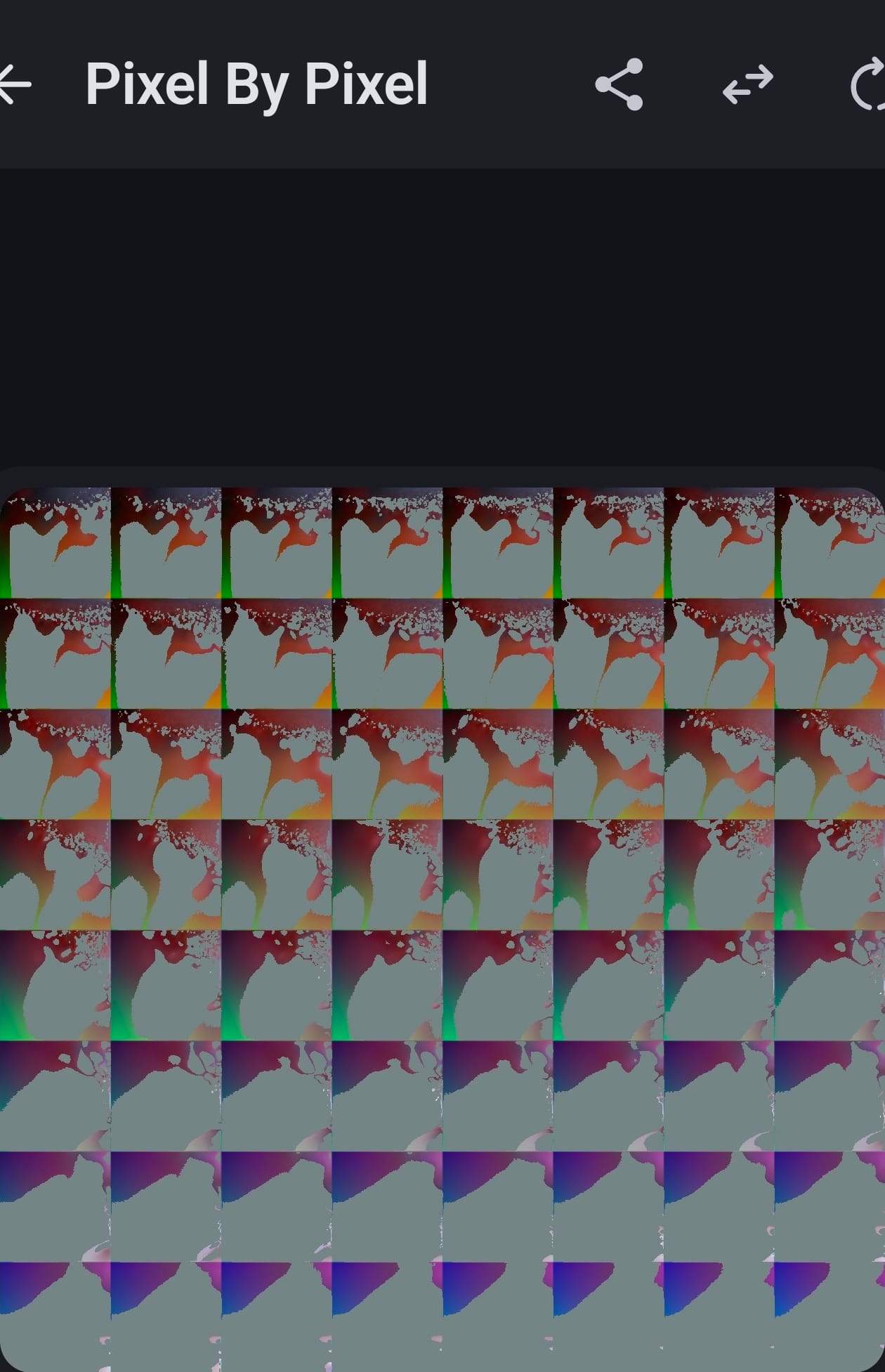
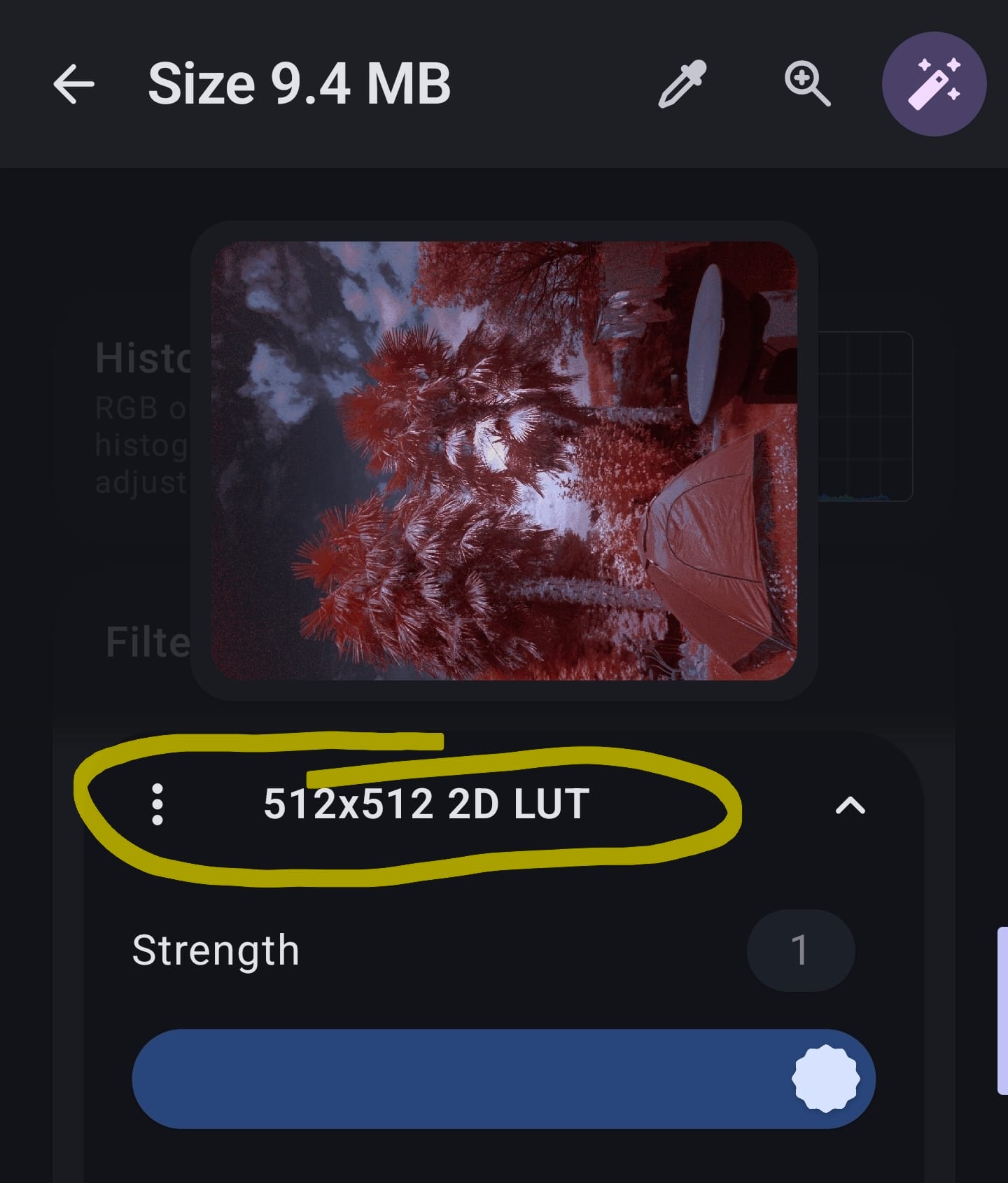
Converting to .cube files seems to give me strange results. Might just be ImageToolbox preferring 32x32x32 cube files & gmic producing them as 36, or 64 pixels per side. Which seems strange given that the Gimp plugin seems to produce 32 pixel/side cube files when the output resolution is set to 36 (?!). I'll have to poke this a bit further, but in the interim you can still use the 512x512 RGB CLUTs in ImageToolbox to do the same job...

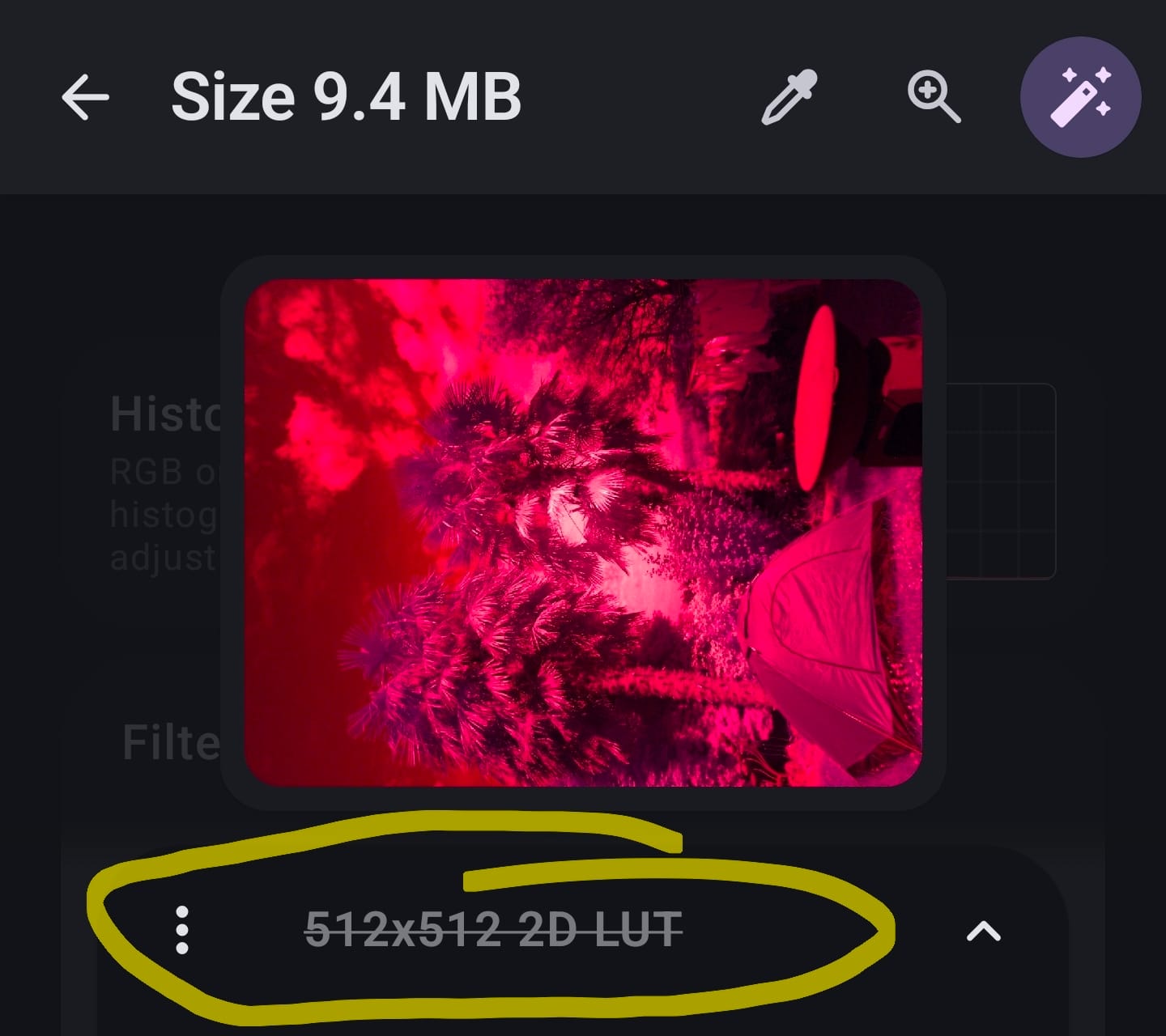
More digging into the cube generation:
Turns out that it can be done! You have to set the CLUT output format to "2" & then put the directory & filename into the output parameters.
gmic modified.jpg original.jpg fx_clut_from_ab 2,2,1,"Save/directory","SaveName.cube",50You'll get some output about the jpg files & the .cube file, but it's harmless.